


ChatOn - AI Chat Bot Assistant
4.55.02K Reviews
App Specs
- Version
- 1.105.841-908
- Updated On
- License
- Free
- Downloads
- 10,000,000+
- Developer
- AIBY Inc.
- Categories
- Productivity
- Platform
- Android, iOS
Screenshots
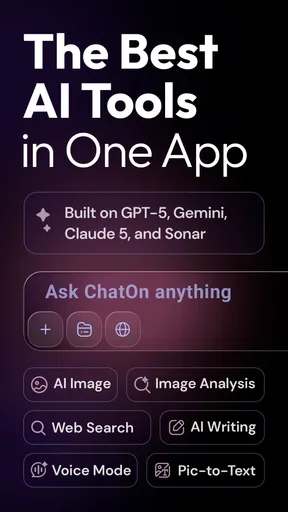
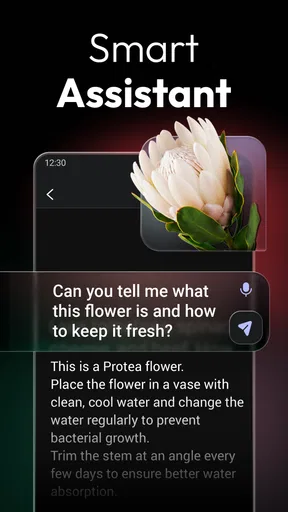
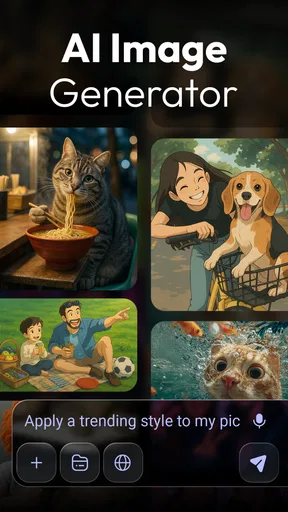
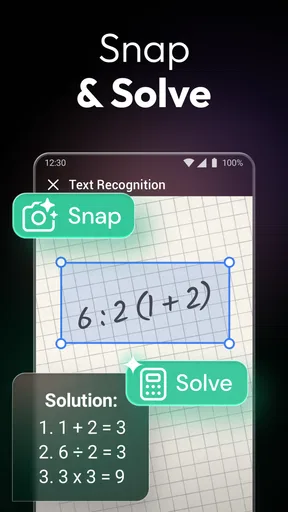
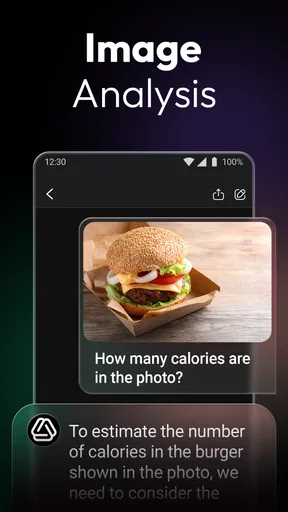
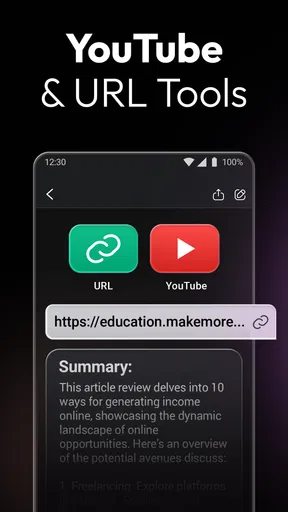
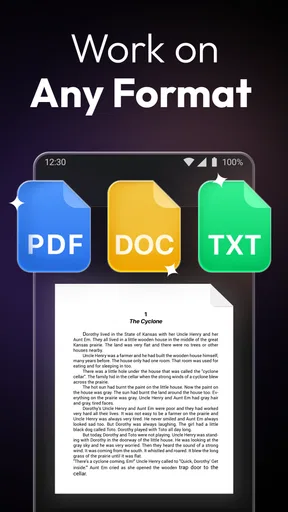
 Analysis by AppCompare
I find an AI assistant most useful when I give it a small, clear job rather than expecting it to run my day. That is the lens I use with ChatOn - AI Chat Bot Assistant: it is a productivity app from AIBY Inc. that brings conversational help and writing support into one place. Its appeal is convenience, but the best results still depend on how carefully I ask and check.
A practical starting routine
For a new task, I begin with the outcome I want and the audience I have in mind. Instead of asking for “an email,” I might ask for a polite note to reschedule a meeting, then specify that it should be brief and warm. I read the result, correct any details it could not know, and ask for a revision only where needed. This short loop is more dependable than treating the first answer as finished work.
The same approach works for brainstorming. I can ask for several angles on a topic, choose one that fits, and use a follow-up prompt to narrow it down. Keeping each request focused makes the conversation easier to review and reduces the temptation to accept a polished answer that does not quite match my situation.
Settings and habits that matter
I would take a moment to look through the app’s available settings and subscription choices before relying on it for a regular routine. ChatOn is free to download, while in-app purchases range from $4.99 to $59.99 per item. That makes it sensible to try the everyday workflow first and decide whether any paid option fits your actual use, rather than paying because a feature sounds impressive in the abstract.
For repeat tasks, I get more consistent results by keeping a few prompt patterns in my own notes: the audience, the tone, the desired length, and any facts that must remain unchanged. I can then reuse that structure for different drafts without assuming the app has a special template or shortcut. It is a simple habit, but it saves time and makes it easier to spot when the assistant has wandered from the brief.
Where it fits in a busy day
A realistic use might be preparing for a packed morning: I could ask for a concise outline from notes I provide, turn that outline into a message for a colleague, and then request a plainer version to send to someone unfamiliar with the topic. The value is not that the app knows what happened at work; it is that it can help reshape information I supply. I still need to check names, dates, commitments, and any sensitive details before sending anything.
ChatOn is a good fit if you want one approachable place to ask questions, draft text, and explore ideas without switching between several specialist tools. Someone who already has a preferred writing app, a dedicated research workflow, or a chatbot they know well may see less reason to add another assistant. For fact-heavy work, I would pair it with trusted sources rather than use a fluent response as proof.
Worth Reading Before You Choose

Flipboard Shows What News Apps Must Do Beyond the Feed

Switching to Android Auto Means Rethinking Your Driving Routine

Google Calendar Makes a Crowded Week Easier to Manage

Ludo King Makes the Most of the Minutes Between Plans

Baby Panda World Brings Quick Play to Modern Phones, but Its Game Library Feels Busy

ESPN’s Live Game View Makes Following Close Games Easier
Knowing when to slow down
The main trade-off with a conversational assistant is that smooth wording can make an uncertain answer sound more reliable than it is. I treat important advice, current information, calculations, and claims about real people as things to verify independently. For private work, I also avoid pasting information I would not want handled by an online service; convenience is not a reason to share confidential material.
It is worth remembering that an AI conversation is not the same as a searchable notebook or a task manager. If I need a durable record, a clear deadline, or a reliable reminder, I use a tool designed for that purpose and keep the final result somewhere I control. ChatOn can help me prepare the wording or think through a task, but I do not assume that chatting alone will track it for me.
Its audience is broad: the content rating is Teen, and the app has reached over 10 million installs. It holds an average rating of 4.5 from around 416,000 ratings, with about 4,800 written reviews. Those figures suggest plenty of people have tried it, but they do not tell me whether it will suit a particular workflow; a few realistic test prompts are a better personal measure.
The app was released on January 10, 2023, and its current version is 1.90.708-793, with Android 8.0 or later listed as the minimum requirement. I would check that my device meets the requirement, then use the free experience to test the kinds of requests I make most often. If the answers need too much correction, or the available paid choices do not justify the time saved, there is no need to force it into my routine.
On Android and iOS, a few taps get you started. The interface is clean and intuitive, so it is easy to begin a conversation without wading through complicated menus. The simple entry point suits quick questions, while a little care in how you phrase requests makes it more useful for work that needs a particular tone or format.
Getting Started with ChatOn
So, let's dive in. Installing ChatOn - AI Chat Bot Assistant is a breeze. Whether you're on Android or iOS, a few taps and you're ready to roll. The interface is clean and intuitive, making it super easy to start chatting right away. No need to wade through complicated menus or settings; just open the app, and you're greeted by your friendly AI assistant.
The Chat Experience
What really sets ChatOn apart is its ability to handle a wide range of topics with ease. Whether you're looking for a recipe, need help with homework, or just want to chat about your day, ChatOn has you covered. The responses are quick, relevant, and often surprisingly witty. It feels like chatting with a very knowledgeable friend who's always there to help out.
One of my favorite features is the app's ability to learn and adapt. Over time, it picks up on your preferences and adapts its responses accordingly. It's like having a personal assistant who gets to know you better with each interaction. How cool is that?
Features That Shine
Now, let's talk features. ChatOn isn't just about conversation; it's packed with tools that make it genuinely useful. Need translation on the go? Done. Want to set reminders or get weather updates? Easy peasy. ChatOn seamlessly integrates these functionalities into your chats, making it a one-stop-shop for daily tasks.
The app also supports voice input, which is fantastic for those times when you're on the move. Just speak your request, and ChatOn does the rest. It's a small feature, but it makes a big difference in usability.
Privacy and Security
In today's world, privacy is a big concern, and ChatOn takes this seriously. The app ensures your data is secure and doesn't share your personal information without consent. It's reassuring to know that you can chat away without worrying about your data being misused.
Room for Improvement?
Of course, no app is perfect. While ChatOn does a great job, there are occasional hiccups—like any AI, it might sometimes miss the mark on complex queries or misunderstand context. But these instances are rare and often fixed in regular updates. The developers seem committed to improving the app continuously, which is a big plus in my book.
Final Thoughts
So, should you download ChatOn - AI Chat Bot Assistant? Absolutely! It's a versatile, fun, and incredibly useful app that can make your life a bit easier and a lot more interesting. Whether you're tech-savvy or just looking for a digital buddy, ChatOn offers something for everyone.
With its friendly interface, smart features, and commitment to privacy, ChatOn is more than just an app—it's like having a personal assistant in your pocket. Give it a try and see how it can enhance your daily routine. Trust me, you won't be disappointed!
A fair way to judge its value
My recommendation comes with a condition: I would judge the app by a handful of real tasks, not by one entertaining answer. Try a short message, a rewrite with a specific tone, and a question where you already know enough to evaluate the reply. That gives a clearer sense of whether its style and level of control suit you. If you repeatedly need to explain the same constraints, save those instructions in a reusable prompt outside the chat.
For students, it can be a starting point for explanations or idea generation, but I would use it to understand a topic rather than submit its output unchanged. For people who write routine messages, it can help get past a blank page; for anyone handling confidential client details or decisions that require verified expertise, a more controlled workflow is the safer choice. That distinction is more useful than calling any assistant universally good or bad.
My mastery verdict
What makes ChatOn worthwhile is not a promise that it will remove every small task. It is the chance to turn a vague request into a workable draft or a next step, provided I stay involved. I recommend it to curious users who want an accessible AI helper and are comfortable checking its work. I would skip it if I needed guaranteed accuracy, a dedicated organizer, or a tool whose main job is to store and manage information rather than respond conversationally.
Pros
- User-friendly interface for seamless interaction.
- Wide range of topics covered effectively.
- Quick response times enhance user experience.
- Integrates well with other applications.
- Customizable settings for personalized use.
Cons
- Occasional inaccuracies in complex queries.
- Limited offline functionality.
- Subscription model may be costly for some.
- Requires regular updates for optimal performance.
- May not support all languages effectively.
FAQs for ChatOn - AI Chat Bot Assistant
What is ChatOn - AI Chat Bot Assistant used for?
ChatOn - AI Chat Bot Assistant is designed to provide users with an intelligent conversational partner. It helps manage tasks, answer questions, and offer recommendations, making it a versatile tool for productivity and entertainment. Whether you need information or a friendly chat, ChatOn is equipped with AI to enhance your daily activities.
Is ChatOn - AI Chat Bot Assistant available for both Android and iOS devices?
Yes, ChatOn - AI Chat Bot Assistant is available for download on both Android and iOS platforms. Users can easily find it on the Google Play Store for Android devices and the Apple App Store for iOS devices, ensuring accessibility across different smartphone ecosystems.
Does ChatOn - AI Chat Bot Assistant require an internet connection to function?
Yes, ChatOn requires an active internet connection to function effectively. The app relies on online servers to process AI requests and provide real-time responses. Without an internet connection, the functionality of the chatbot may be limited, affecting the overall user experience.
Are there any subscription fees associated with ChatOn - AI Chat Bot Assistant?
ChatOn offers both free and premium subscription options. While the free version includes basic features, the premium subscription unlocks additional functionalities, such as faster response times and more personalized interactions. Users can choose the option that best aligns with their needs and budget.
How secure is my data with ChatOn - AI Chat Bot Assistant?
ChatOn prioritizes user privacy and data security. The app employs encryption and adheres to strict privacy policies to protect personal information. However, users are encouraged to review the privacy policy thoroughly to understand what data is collected and how it is used, ensuring they are comfortable with the app's practices.


